


Connect WhatsApp
Send messages and templates through your WhatsApp Business account and track delivery.
Connecting WhatsApp lets Habsy send your messages and templates through your WhatsApp Business account, message several contacts at once, and show delivery and read analytics.
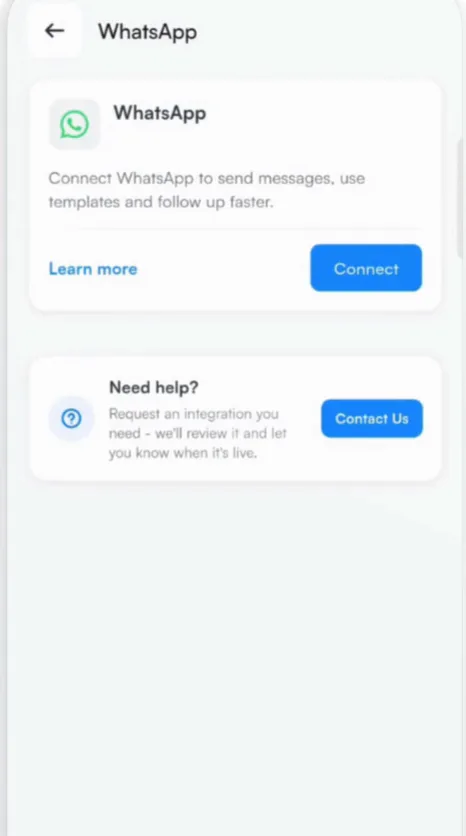
- Go to Settings, tap Integrations and choose WhatsApp.
- Tap Connect. Habsy emails you the steps to finish connecting.
- Open the email and follow its link. It opens a page where you enter your WhatsApp Business API details.
- Submit the details to finish connecting.
Before you connect
Connecting needs WhatsApp Business API access for your number. Without it, you can still follow up on WhatsApp: Habsy writes the message and opens it in WhatsApp on your phone, and you tap send.
Tip
Have your WhatsApp Business API details ready before you tap Connect.
Related articles
Create WhatsApp templatesFollowing upSend to several contacts at onceFollowing upConnect Habsy to your toolsExport and integrations
Still need help?
Email us with your account email and a short description of the issue. We reply within 1 to 2 business days.