


See how your digital card performs
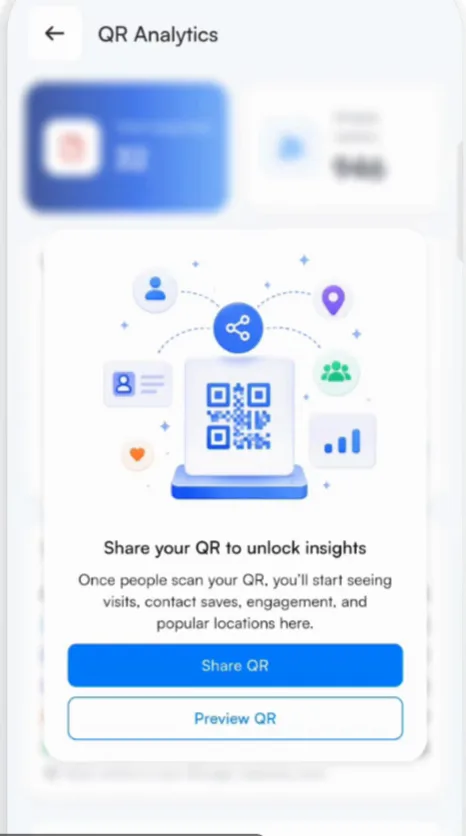
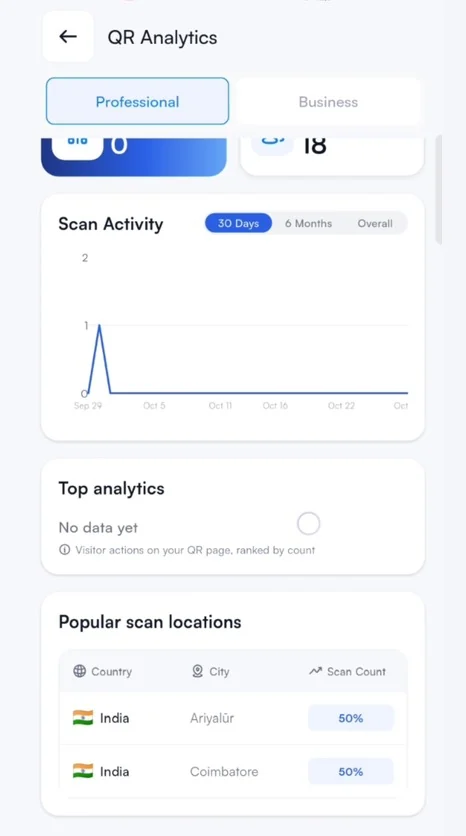
QR analytics shows visits, contact saves, engagement and popular locations.
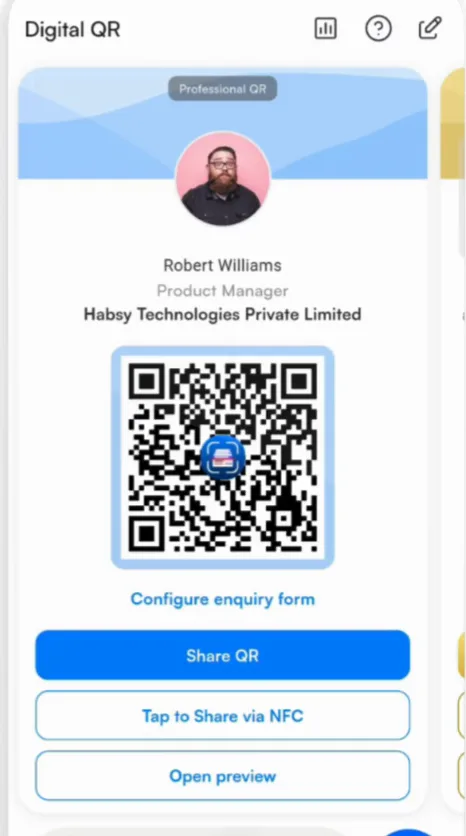
Once people start opening your card, QR Analytics shows how it is doing. Open it from the analytics icon at the top of the QR tab. There is a tab for your Professional QR and one for your Business QR.
- Visits and unique visitors
- Contacts saved: how many people saved your contact
- Engagement: which buttons people tapped, such as email, phone, website and social links
- Popular locations: where your card was opened
- For your Business QR, which services and files people looked at
Good to know
Analytics show counts, never names. To know who someone is, add an enquiry form.
Related articles
Share your digital cardDigital cards (MyQR)Collect enquiries with your digital cardDigital cards (MyQR)
Still need help?
Email us with your account email and a short description of the issue. We reply within 1 to 2 business days.