


Edit a contact
Correct details, add phone numbers and emails, and update categories and intent signals.
- Open the contact from Home.
- Tap the three dots at the top right and choose Edit.
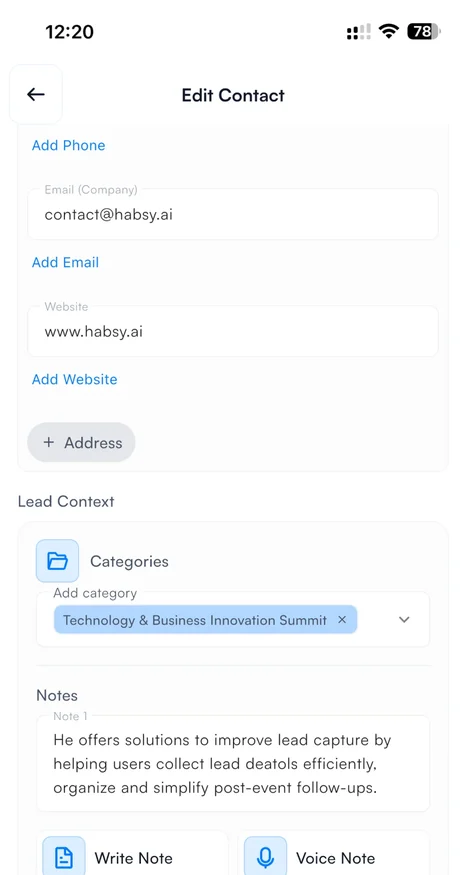
- On Edit Contact, change any detail: name, company, job title, phone numbers, emails, address or website.
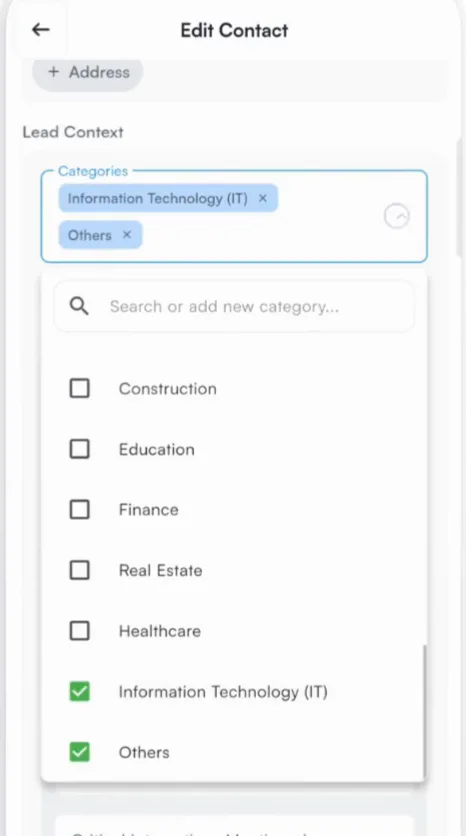
- Update Lead Context: add or remove categories and answer or change intent signals.
- Tap Save Card.
Related articles
View a contactOrganizing contactsOrganize contacts with categoriesOrganizing contactsQualify contacts with intent signalsOrganizing contacts
Still need help?
Email us with your account email and a short description of the issue. We reply within 1 to 2 business days.