


Scan a card from a photo
Create a contact from a photo of a card that is already in your gallery.
If you already took a photo of a card, or someone sent you one, you can turn it into a contact without rescanning.
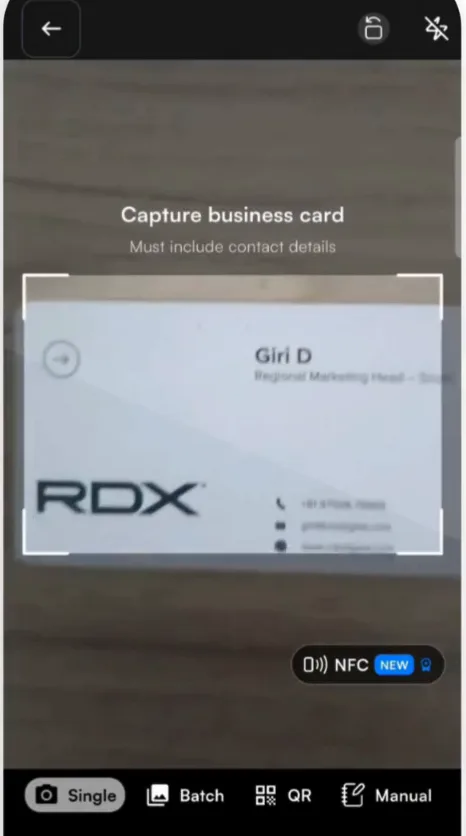
- Tap + to open the scanner on Single.
- Tap the gallery icon at the bottom left of the scanner.
- Choose the photo of the card.
- Review the card, add context and tap Submit, as with a camera scan.
Several photos at once
- Tap + and switch the scanner to Batch.
- Tap the gallery icon at the bottom left.
- Select all the card photos you want and confirm. Habsy reads them as one batch, and you can follow them in Drafts.
Related articles
Scan a business cardCapturing contactsImport contacts from a CSV file or another appCapturing contacts
Still need help?
Email us with your account email and a short description of the issue. We reply within 1 to 2 business days.