


Connect your email account
Send follow-ups, templates and bulk emails from your own address, with replies in your inbox.
With your email connected, Habsy sends follow-ups from your own address and replies come straight to your inbox. You need it to send templates automatically after a scan and to email several contacts at once.
- Go to Settings, tap Integrations and choose Email.
- Tap Connect next to your provider: Google Email, Outlook Email, Zoho Mail or Amazon SES.
- Sign in to your email account and allow Habsy to send email for you.
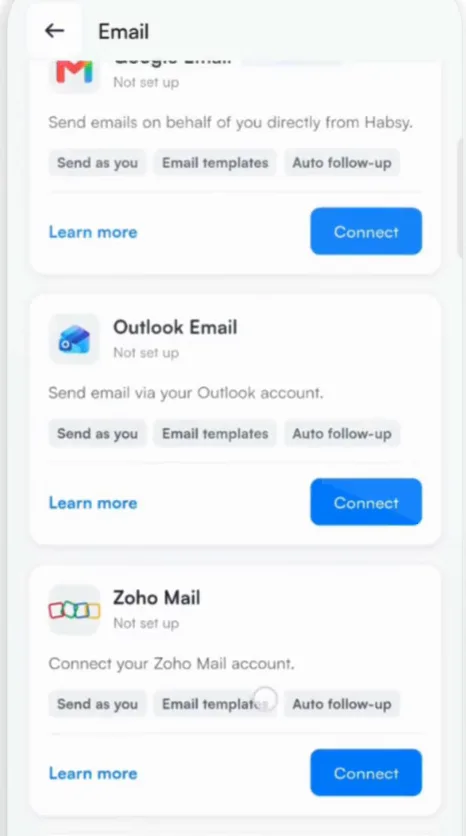
Once connected, Habsy sends as you, uses your templates and can send follow-ups automatically.
You can also connect from Connect Your Email, which appears the first time you send a template, or from the Connect your email banner on Home.
Not ready to connect? You can still send one email at a time with Send Single Email, Send with Habsy or Open Email.
Related articles
Still need help?
Email us with your account email and a short description of the issue. We reply within 1 to 2 business days.